
Society management app for housing societies
Run your housing society from one simple app.
Collect maintenance, keep the society's accounts, run the gate and send notices — in one app for your secretary, treasurer, residents and guards.
- Setup done for you
- No ads, data never sold
- English and Hindi
- UPI, bank transfer and cash

Our promise
No ads. Your data is never sold.
Neutrax is paid for by your society, not by advertisers. So there are no ads in the app, and your members' names, phone numbers and payments are never sold or used for advertising.
How we protect your data- No ads — for residents, guards or the committee
- Your data is never sold or rented to anyone
- Never used for advertising
- Each society's data locked separately
Sound familiar?
Society work shouldn't live in spreadsheets and WhatsApp groups.
Today
- Chasing maintenance in the WhatsApp group for weeks
- Cash and paper receipts in a drawer
- An Excel ledger that doesn't match the bank
- Notices lost in a 300-message group
- Visitors written in a paper register
With Neutrax
- Reminders go out on their own; residents pay by UPI, bank or cash
- Every payment recorded, with a receipt
- One ledger for money in and out, easy to check against the bank
- Notices posted once, where every resident can find them
- Visitors logged at the gate — QR pass or manual entry
What Neutrax does
The five jobs every committee does — in one app.
Each part works on its own, and they all share one list of flats, members and money.
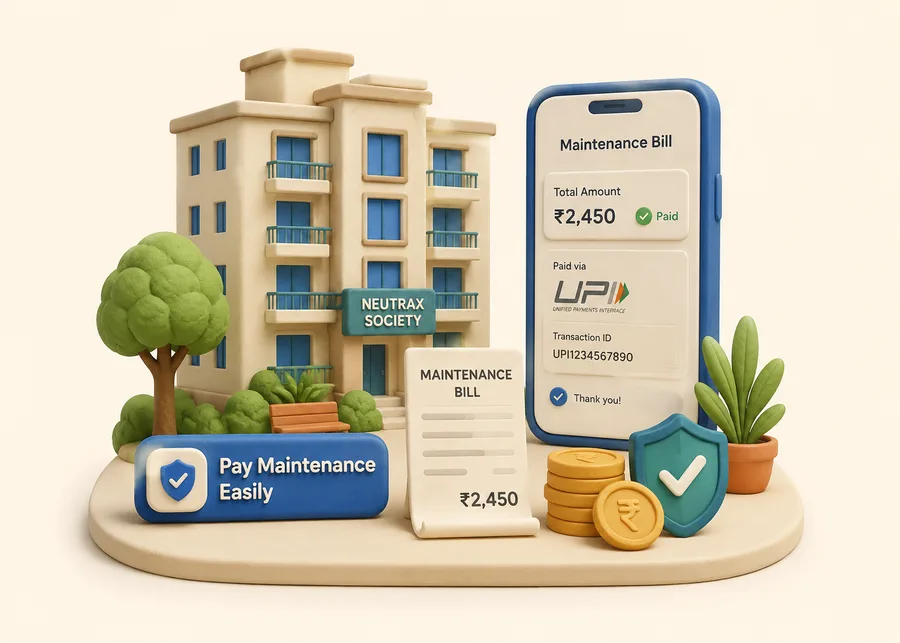
Maintenance collection
Collect dues by UPI, bank transfer or cash — with reminders and receipts.
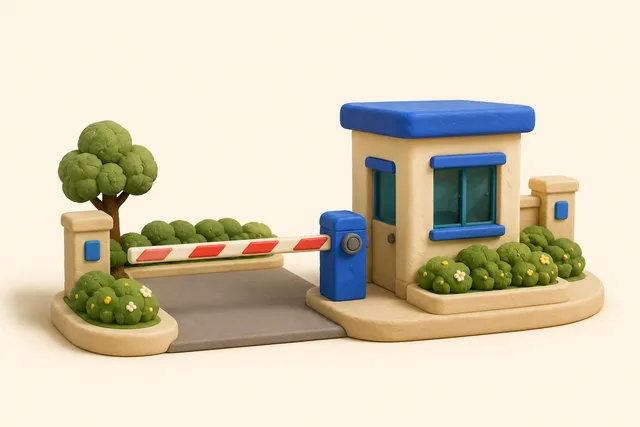
Visitor management
Visitors, parcels, helper entry and SOS — logged at the gate from one phone.
Accounts & ledger
One ledger for money in and out, with reports for your auditor.

Notices & polls
Post notices once, run polls, track complaints and keep documents in one place.

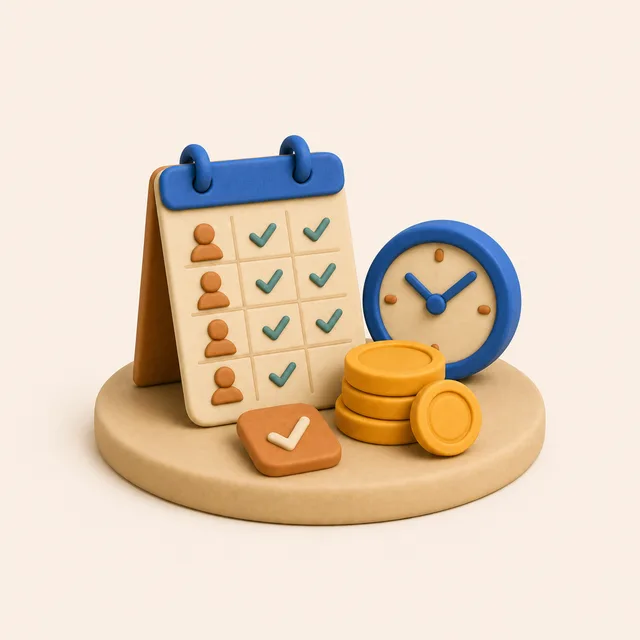
Staff & helpers
Helper attendance, schedules, salary and bills in one place.
The right access for each role
Secretary, treasurer, committee, residents, guards and helpers each see only what they need.
English and Hindi
Everyone picks their own language. Need another? Ask us.
See the app
A day in your society, screen by screen.
These are real screens from the Neutrax app.
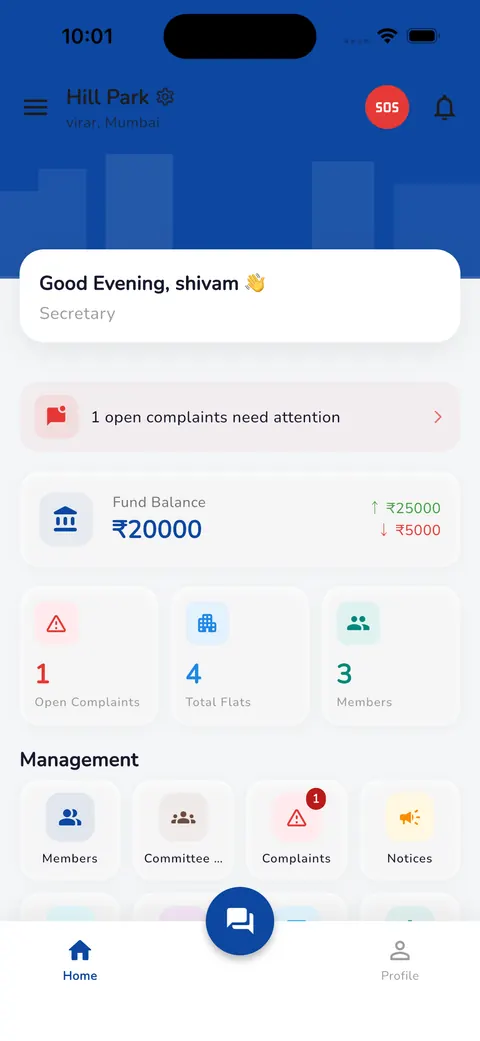
Morning: the whole society on one screen
Fund balance with money in and out, open complaints, flats and members — as soon as the secretary opens the app.
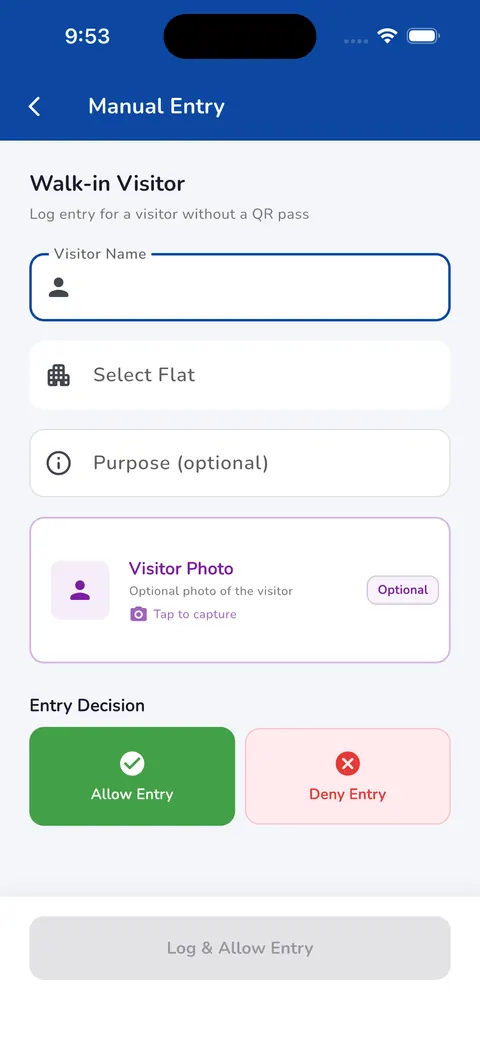
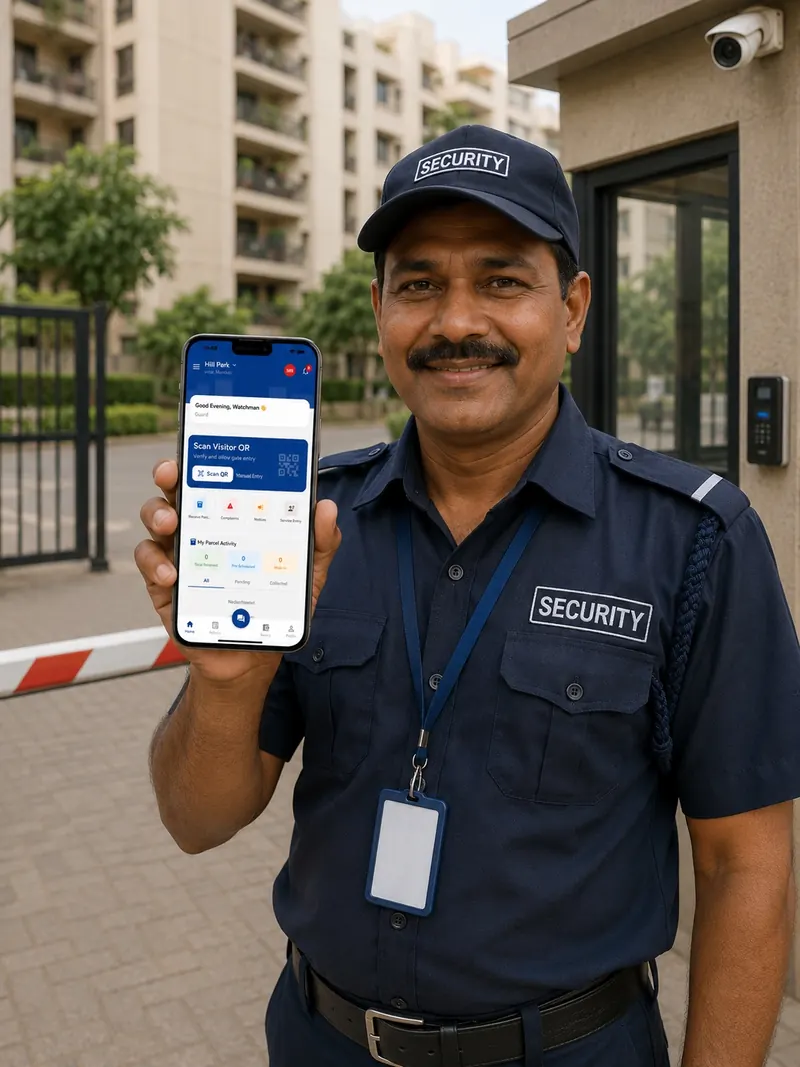
At the gate: log who comes in
Visitors with a QR pass are scanned. Walk-ins are entered by name and flat, with an optional photo, then allowed or denied.
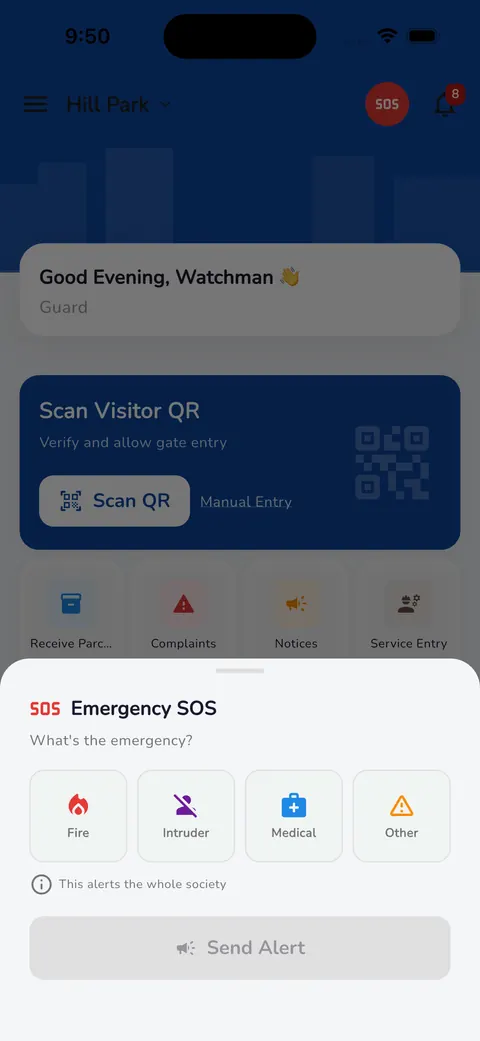
In an emergency: alert everyone
Fire, intruder, medical or other — one alert reaches the whole society.
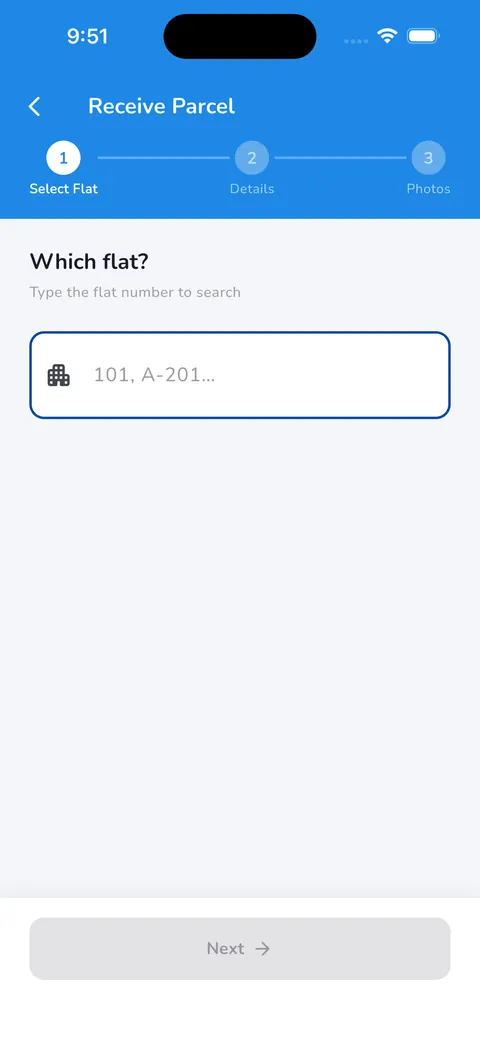
Deliveries: logged against the right flat
The guard picks the flat, adds details and a photo, and the parcel is on record.
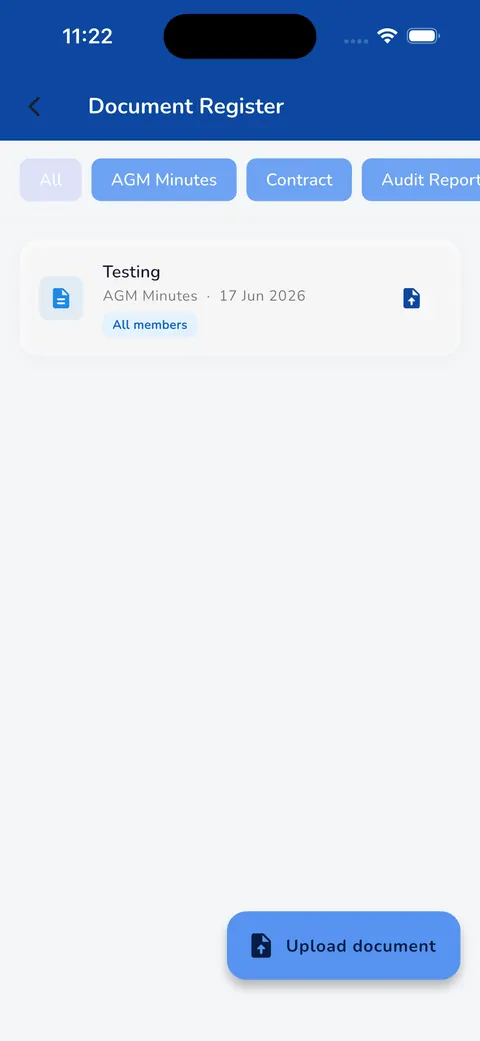
Records: kept in one register
AGM minutes, contracts and audit reports, each shared only with the people who should see it.
For everyone
Six roles. Each sees what they need.
Secretary
Runs the society day to day.
- Approve payments, expenses and new members
- Give each member the right role
- See money, complaints and notices in one place
Treasurer
Keeps the money clear.
- Confirm cash and online payments
- Keep one ledger for money in and out
- Download reports for the auditor

Committee member
Stays informed and helps decide.
- Post notices and run polls
- See dues and expenses
- Decide with real numbers
Resident
Pays and raises issues without chasing anyone.
- Pay maintenance by UPI, bank transfer or cash
- Raise a complaint and follow it until it's fixed
- Read notices and manage household helpers

Guard
Runs the gate from one phone.
- Scan QR passes or log walk-in visitors
- Log parcels and helper entry
- Send an SOS alert to the whole society
Helper
Knows the day's work.
- See the day's schedule
- Mark attendance
- See dues from residents

Getting started
We set it up. Your committee just starts.
- 01
Share your society's details
Send us your flat list, members and opening balances. We enter them for you.
- 02
Invite your people
Residents join with a link. The secretary gives the treasurer, committee and guard their roles.
- 03
Start using it
Collect dues, log the gate and post notices from the first day.
How long setup takes depends on your flat list — we'll tell you upfront.
What you can rely on
Your society's data is separate
Each society's data is locked to that society at the database level.
Payments through proper channels
UPI and Razorpay online. Cash is approved by the treasurer, with their name on record.
Access by role
People see only what their role allows. The secretary decides who gets which role.
Pricing
One price per flat, per month.
Your quote depends on how many flats you have. Setup is included and there are no hidden charges.
Every society gets
- UPI and Razorpay payments
- Setup done for you
- English and Hindi — other languages on request
- Reports for audit
- Your society's data kept separate
- No ads — and your data is never sold
Questions
Common questions
How can residents pay?
UPI, GPay and Razorpay online, plus bank transfer and cash. Online payments confirm themselves; cash is approved by the treasurer or secretary in one tap.
What about cash payments?
The resident records the cash payment, the treasurer or secretary approves it, and the ledger updates — with the name of the person who approved it.
Is our society's data safe?
Each society's data is kept separate and locked at the database level. Your members see only your society. Our security page explains the details.
Does Neutrax show ads or sell our data?
No. There are no ads in the app, and we never sell your society's data or use it for advertising. Your society pays for the app — that's how we earn.
Which languages does it support?
English and Hindi, and we can set up other languages on request. Each person picks their own.
Is it on Android and iOS?
Yes. Neutrax Society is built for Android and iOS, and the app links are at the bottom of every page. We set up each society directly, so book a demo and we'll get yours started.
What does it cost?
One simple price per flat, per month, with setup included. Tell us your flat count and we'll send an exact quote — no obligation.
Get started
See Neutrax with your own society's details.
Tell us a little about your society and we'll set up a short demo for your committee.
Prefer to talk?
- neutraxsociety@gmail.com
- Mumbai, India
- We reply within one business day.