
Visitor management
Know who comes through your society gate.
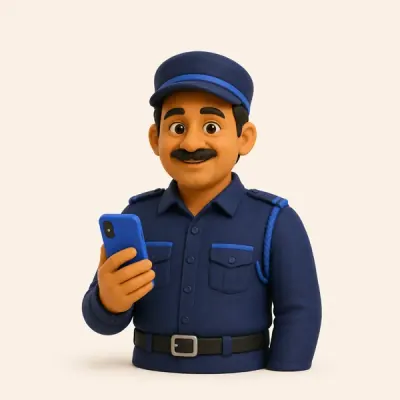
Your guard runs the gate from one phone — QR passes, walk-in visitors, parcels, helper entry and emergencies, all on record.
What the gate looks like today
- The paper register is hard to read and easy to skip.
- Parcels pile up at the gate with no record of whose they are.
- In an emergency, there's no quick way to tell everyone.
How it works
- 1
QR pass or walk-in
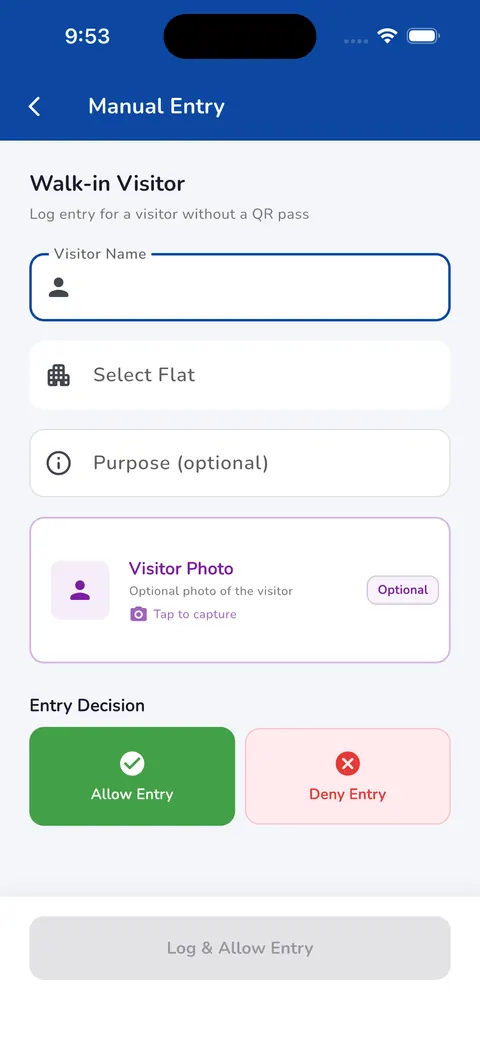
Visitors with a QR pass are scanned. Walk-ins are entered by name, flat and purpose.
- 2
Optional photo
The guard can take the visitor's photo before deciding.
- 3
Allow or deny
One tap to allow or deny entry, and the entry is saved.
- 4
Parcels and staff
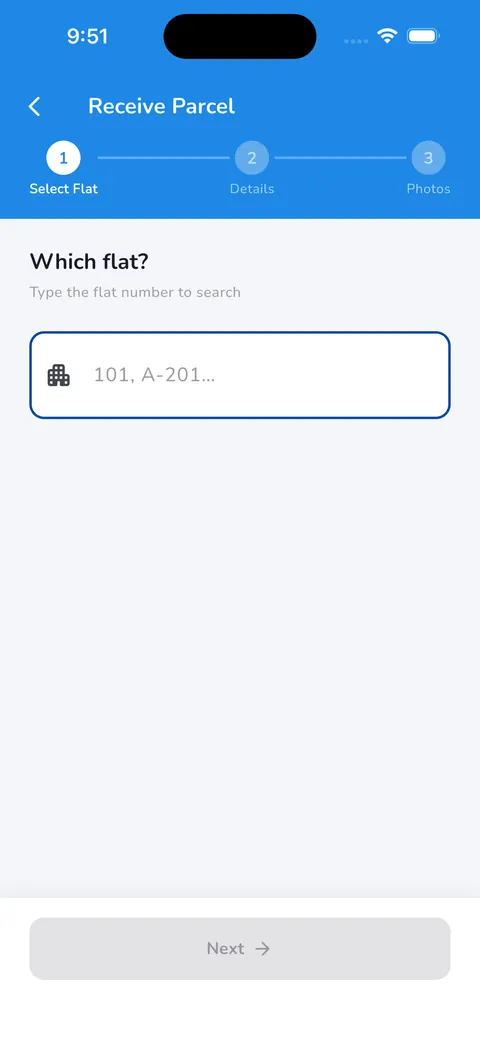
Parcels are logged against a flat in three steps; helpers and staff come in through service entry.
What changes
A record, not a register
Entries are saved in the app instead of a paper book.
A decision at the gate
Unknown visitors can be denied in one tap.
One alert for everyone
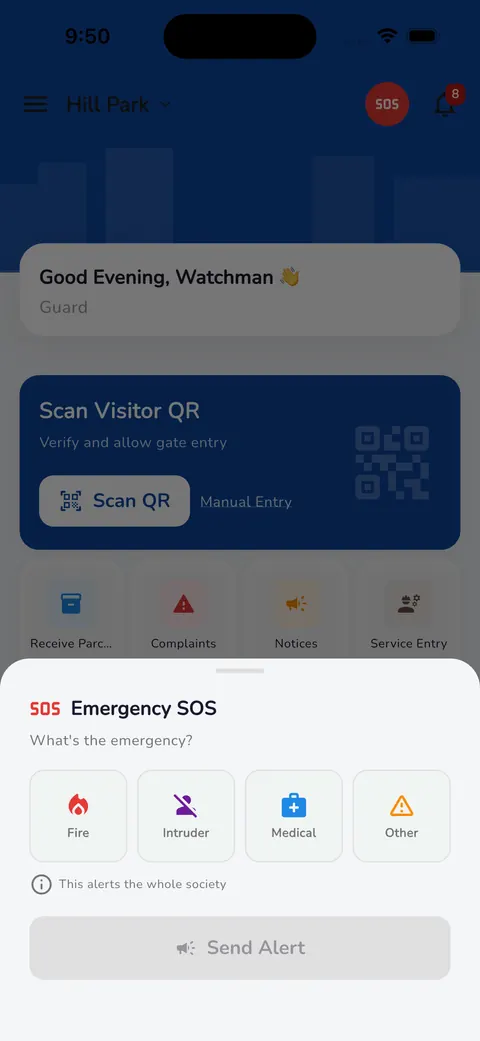
An emergency can be sent to the whole society from the gate.


Common questions
Does every visitor need a QR pass?
No. Visitors without a pass are entered manually by the guard.
Is the visitor photo required?
No, it's optional. The guard can take one when needed.
See Neutrax with your own society's details.
Tell us a little about your society and we'll set up a short demo for your committee.