
Accounts & ledger
Your society's accounts, in one ledger.
Payments and expenses go into the same ledger, the fund balance stays current, and reports are ready when the auditor asks.
What accounts look like today
- The Excel sheet has five versions and nobody knows which is final.
- The ledger and the bank statement don't match at year end.
- Audit means days of digging through receipts.
How it works
- 1
Money in
Maintenance payments are recorded as they're confirmed.
- 2
Money out
Expenses are recorded and approved by the secretary.
- 3
A current balance
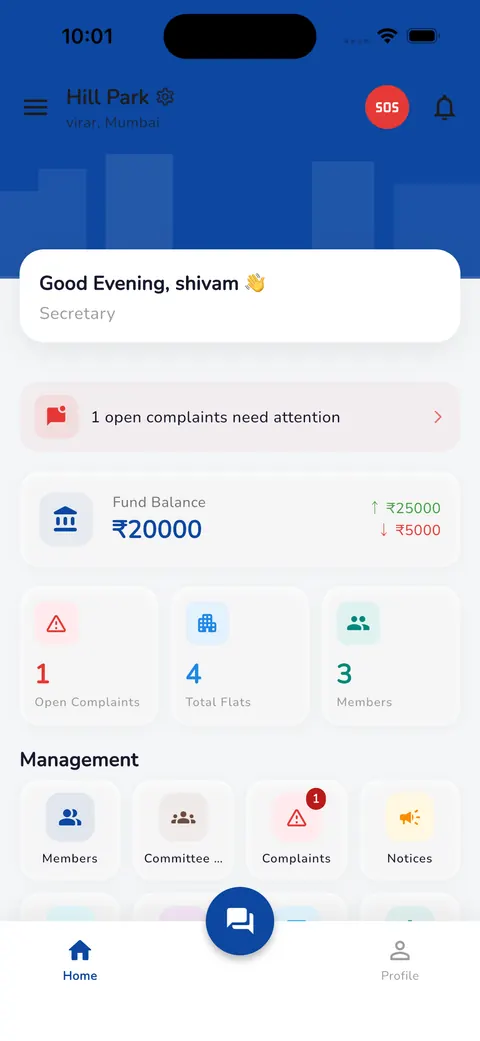
The fund balance, with money in and out, sits on the home screen.
- 4
Reports and records
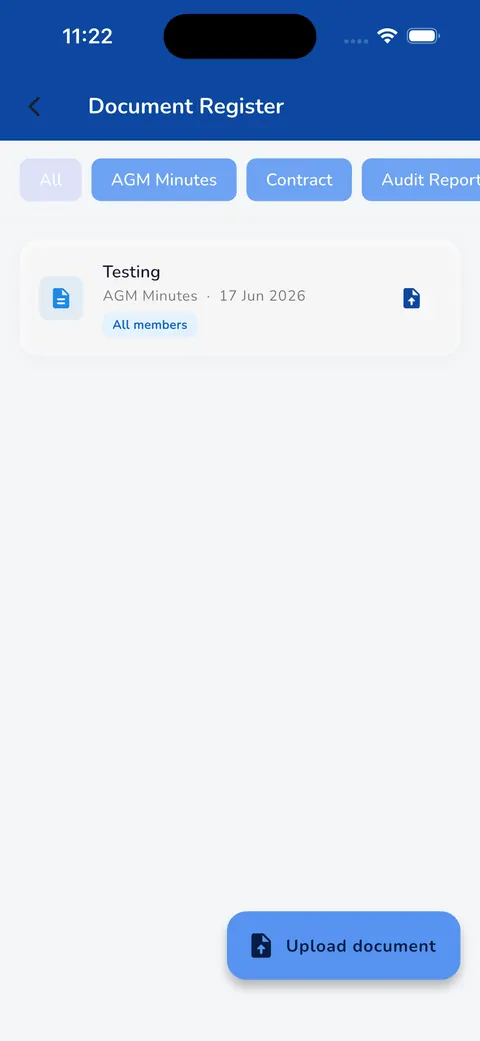
Download reports for audit, and keep audit reports in the document register.
What changes
One version
One ledger instead of scattered sheets.
A trail for every entry
Approvals carry a name and a time.
Easier audits
Reports are ready to download when you need them.


Common questions
Does it replace our accountant or auditor?
No. Neutrax keeps clean records for the society; your accountant or auditor still does their work, using reports from the app.
Can we bring in our opening balances?
Yes. We enter your opening balances during setup.
Free tools for this job
Free, no sign-up, and nothing you enter leaves your browser. Useful whether or not your society uses Neutrax.
Audit Readiness Checker
A 20-point self-check of the records your society's auditor will ask for.
Open toolWhatsApp to Ledger
Paste payment messages from WhatsApp and get a clean table of flat, amount and description.
Open toolSinking Fund Calculator
Estimate how much to set aside each year for a future major repair.
Open tool
See Neutrax with your own society's details.
Tell us a little about your society and we'll set up a short demo for your committee.